
Upgrade a ByteBlower GUI
| Introduction | When a new GUI update is available, you can receive a notification on GUI startup. This process explains how to perform the upgrade on Windows 11. |
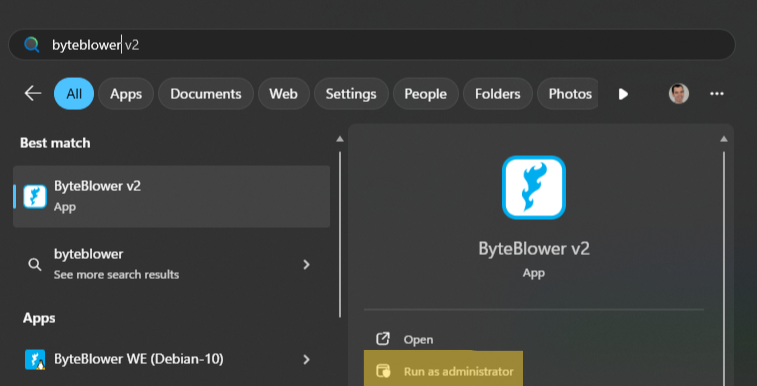
| Initiate upgrade | To initiate the GUI upgrade, close the ByteBlower GUI and start it as Administrator.
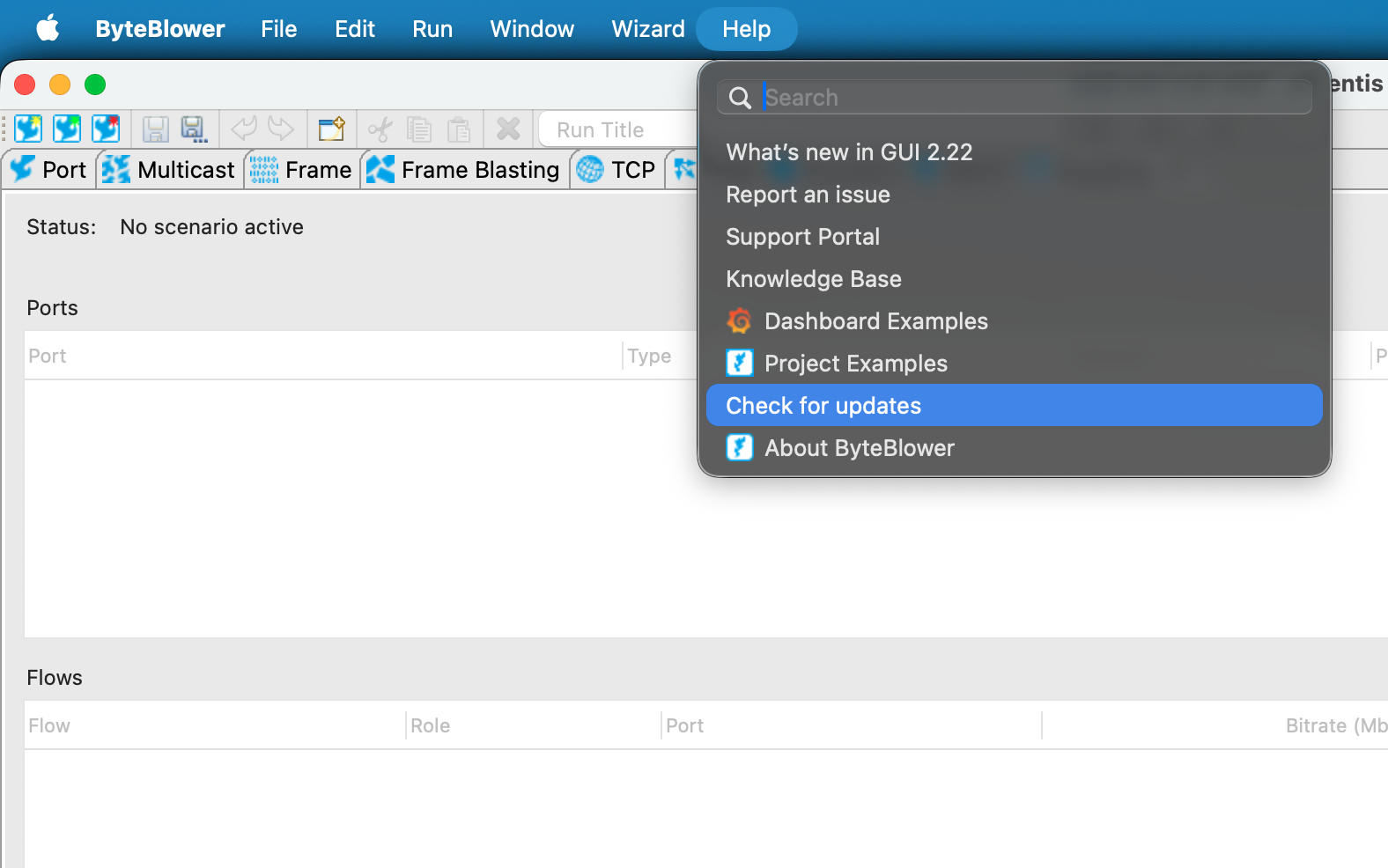
In the Help menu, press Check for updates
|
| Upgrade in progress | This tutorial video will show you how to upgrade your ByteBlower GUI to the latest version. |
| Upgrade failing? | An upgrade might fail because of a few reasons:
In that case, you or your system administrator can use the installers from our setup website and upgrade or reinstall the GUI: ByteBlower Getting Started
|