ByteBlower Eavesdroppers
| Introduction | With Byteblower you have the option to add Eavesdroppers to your traffic flows. Any ByteBlower Port can be used as an Eavesdropper for a Flow. Eavesdroppers listen for Frames that belong to a Flow. That way, you can determine which ByteBlower Ports can hear the Flow. Eavesdroppers can only be used with Frame Blasting Flows.
|
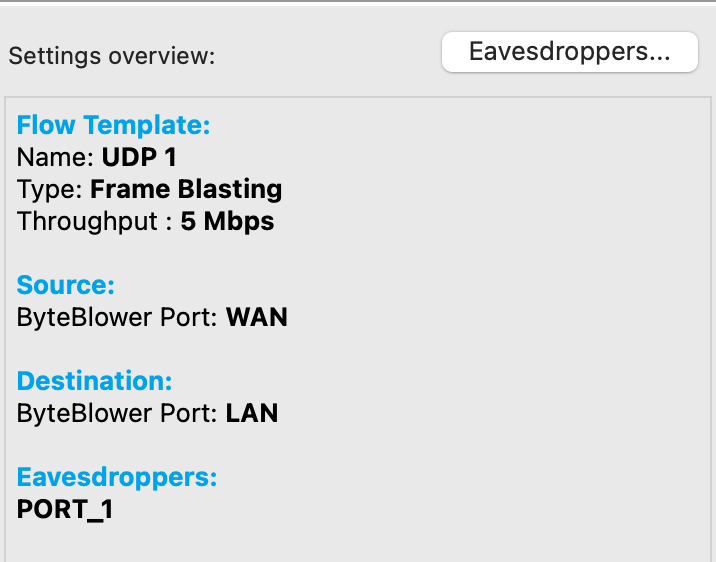
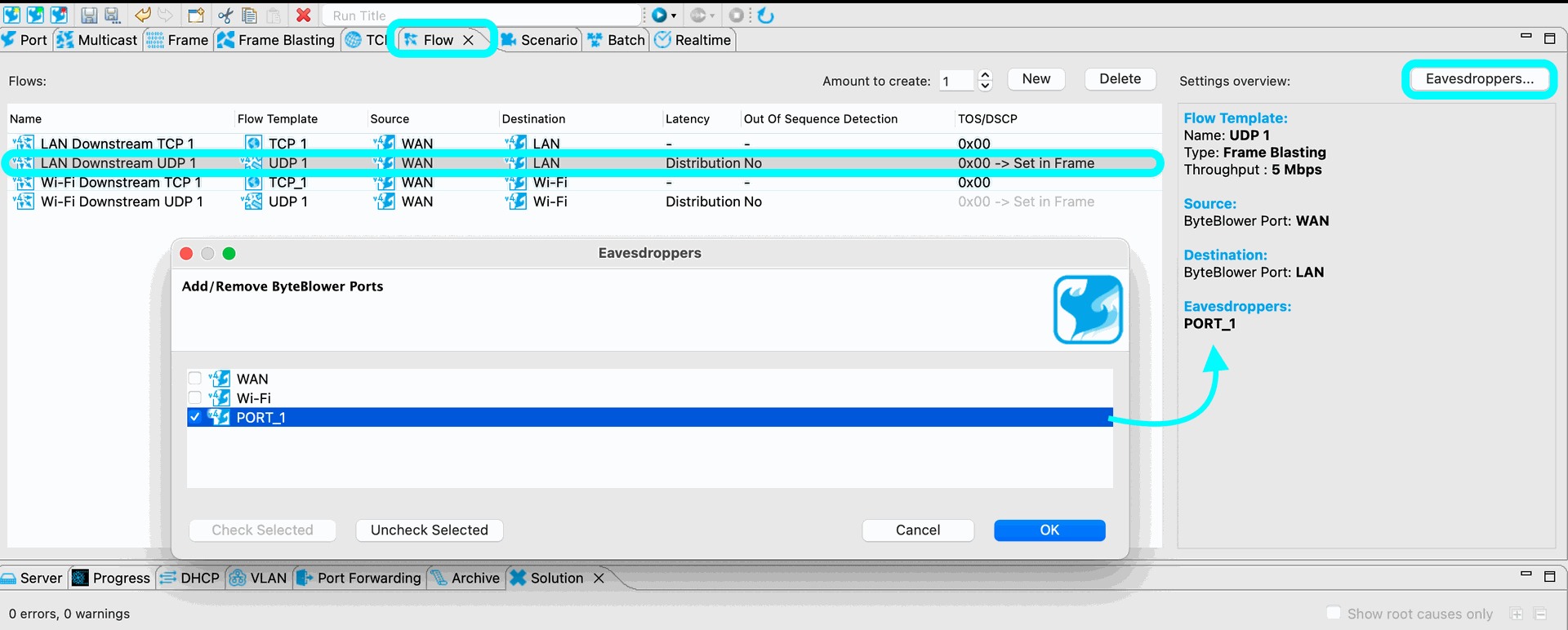
| Configure Eavesdropper | From the Flow tab, select/highlight the flow for which you intend to add eavesdroppers. Then select the Eavesdroppers option in the far right side of the window. A popup window will open where you can then add/remove eavesdroppers to the selected Flow. Make your selection and select OK. The added eavesdropper will now be displayed in the settings overview section (right). Illustration:
|
| Tips | Eavesdropper "listen" to flows between "other" ports. More concretely: the eavesdropper port "listens" to traffic generated by a different port, and also intended to be received by a different port). It's not really useful to have an eavesdropper on a port which is part of the "expected" (== configured) flow. Even more, the eavesdropper is typically also a ByteBlower Port on a different ByteBlower interface. (or different VLAN on the same ByteBlower interface). |
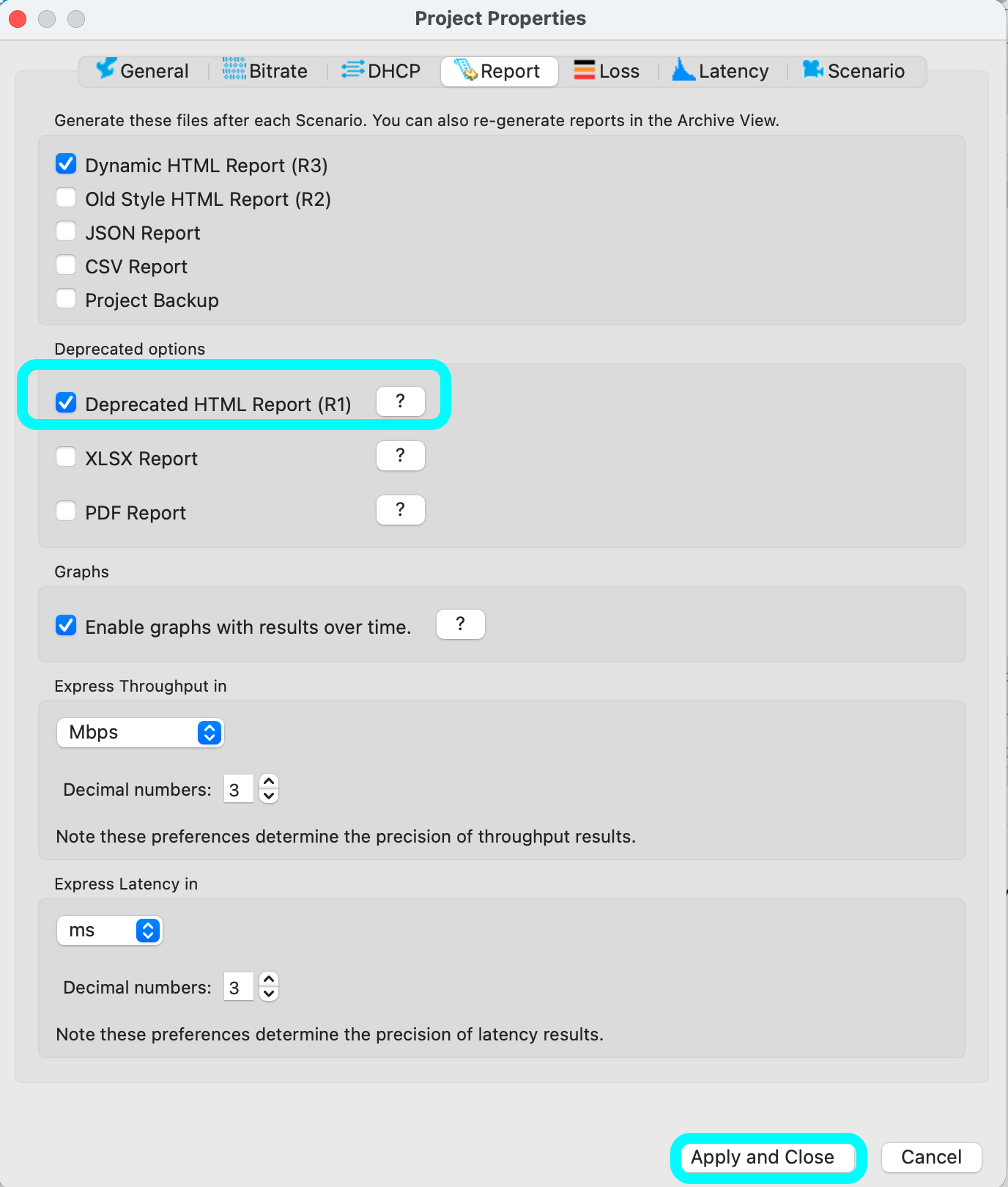
| Generate Report | For the moment, to view the eavesdropper data in the flow section of the report, please enable/generate the Deprecated HTML Report (R1). To enable this version of the report: From the Byteblower GUI: File >> Project Properties >> Report >> 'Select' Deprecated HTML Report (R1) >> Apply and Close
|
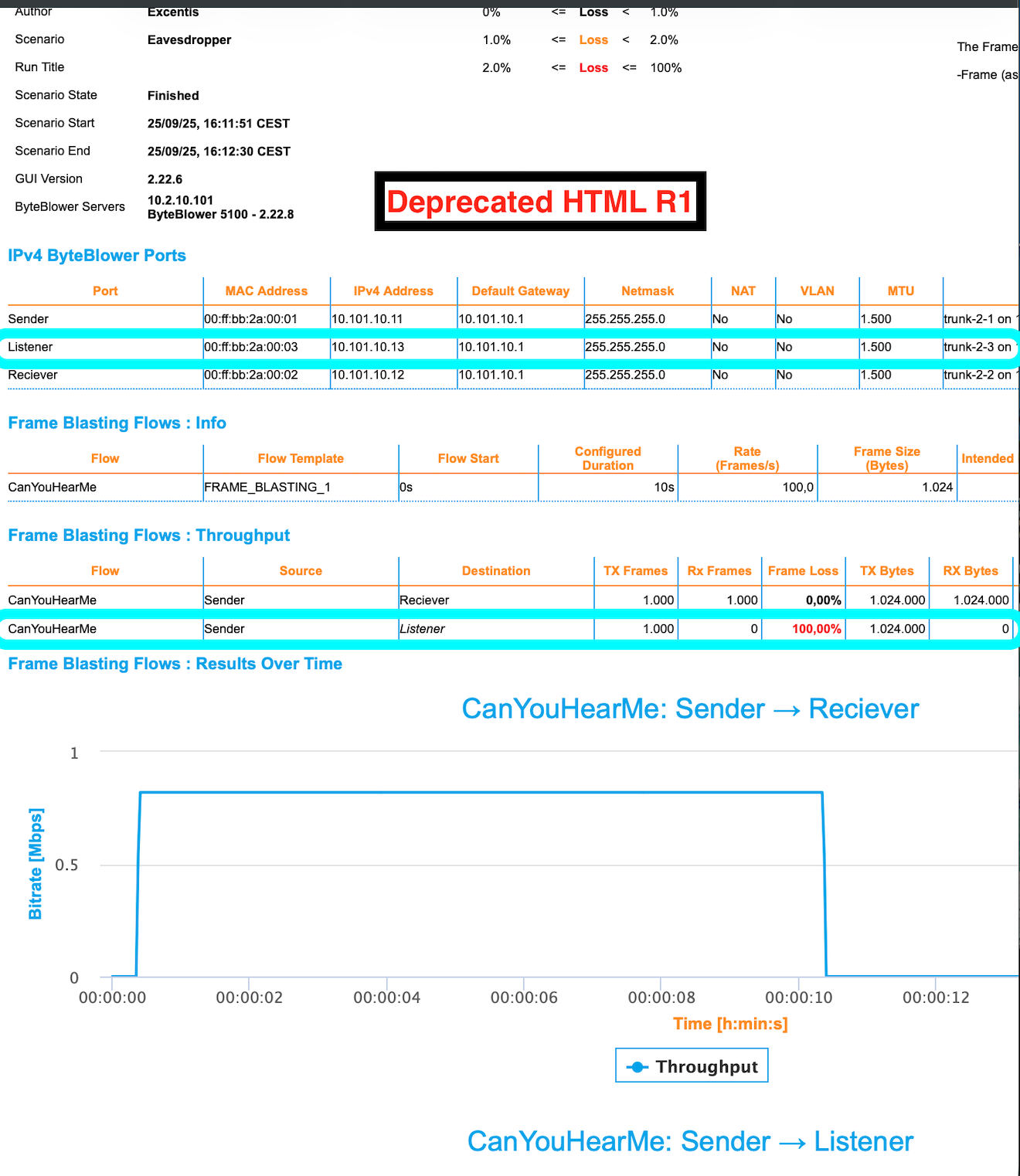
| Sample Report | In this sample report, version (R1). You will see the eavesdropper (listener port) shown in the Frame Blasting Flows: Throughput section. No traffic was expected at this port, which can be verified by seeing 100% loss. Meaning no traffic received from the configured flow. Sample use cases: Test Broadcast flooding by using the eavesdropper as a monitor, test Multicast traffic configurations, and many more possibilities. Share yours with us!
|